
Gears of War: E-Day delivers explosive over-the-top action for Xbox owners
Wordle Oct. 3 answer could wipe out streaks: how one tough word is tripping players
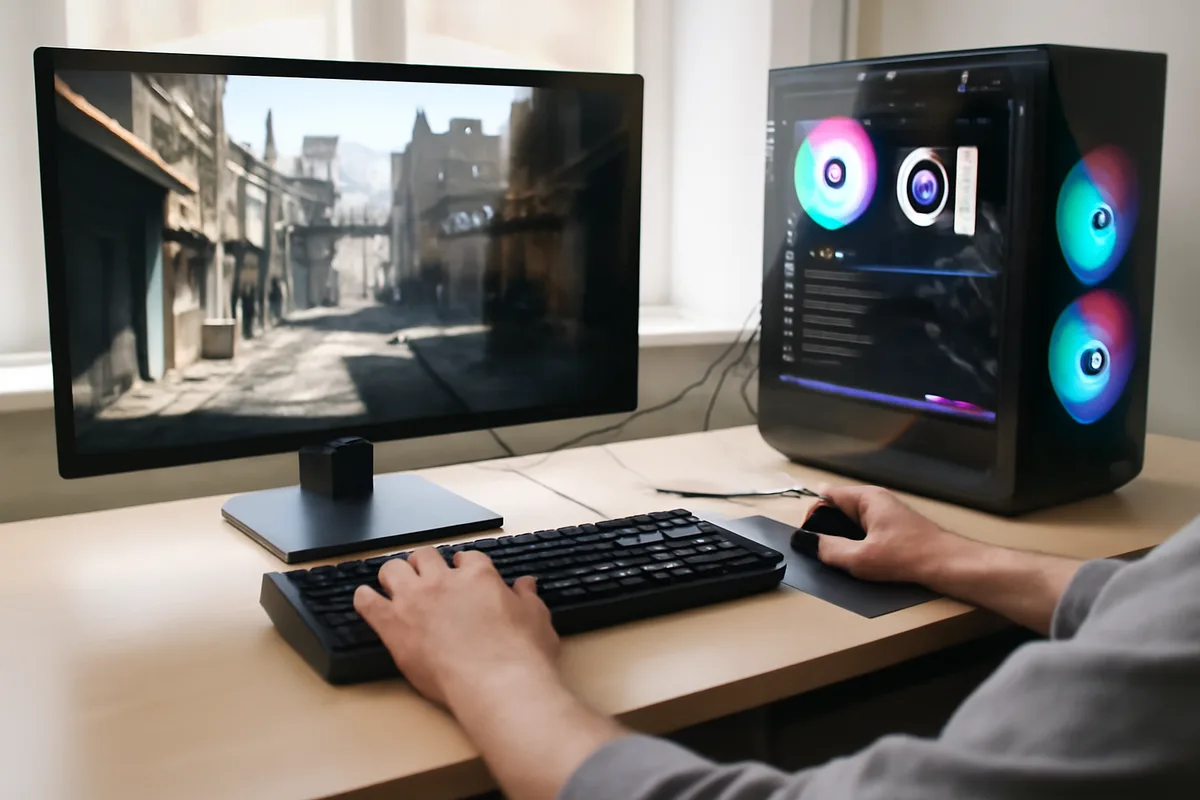
Gears of War: E-Day has arrived on PC via Steam, and its port transforms the series’ opening catastrophe into a technically ambitious showcase. For players, that means brighter visuals, deeper ray‑traced lighting and a long roster of settings that let you tune image quality or chase high frame rates depending on your rig.
PC-first polish — and why it matters now
Nintendo 135th anniversary deals: big discounts on Switch 2 games and Lego sets
Nvidia DLSS ray reconstruction powers PC past PS5 Pro in Control Resonant
The Coalition and People Can Fly rebuilt the prologue in an updated engine and added PC‑centric features that go beyond a straight console port. That’s significant today because tools like Nvidia’s latest upscaling and geometry ray tracing are finally mature enough to change how environments and reflections read on screen.
On a practical level this affects two things every PC player cares about: how good the game looks at higher resolutions, and how many options you get to trade visual fidelity for smoother performance.
Hardware and requirements at a glance
Gears of War: E-Day can be demanding, but the developers included a long list of graphics and upscaling options so it can run across a wide range of PCs. A key callout: the game requires a GPU capable of hardware ray tracing to access the most advanced lighting features.

| Category | Test rig | Minimum | Recommended | Ultra |
|---|---|---|---|---|
| CPU | AMD Ryzen 7 9700X | Ryzen 5 2600X / Intel i7‑6850K / i5‑10400 | Intel Core i7‑10700 / Ryzen 7 3700X | Ryzen 7 7800X3D / Intel i7‑14700K |
| GPU | Nvidia GeForce RTX 5070 | RTX 5050 / RTX 2060 / RX 6600 / RX 9060 | RTX 3060 Ti / RTX 5060 / RX 6700 XT | RTX 5070 Ti / Radeon RX 7900 XT |
| RAM | 32 GB | 12 GB | 16 GB | 16 GB |
| Storage | 115 GB | 115 GB | 115 GB | 115 GB |
What the visuals deliver
The game was rebuilt in Unreal Engine 5, and it takes full advantage of the engine’s high‑density assets to stage scenes of urban collapse and sudden invasion. Those set pieces—cars blown open, buildings with interiors exposed—benefit from detailed materials and richer destruction than the series typically showed.

On PC the most striking change is in lighting and reflections. E-Day supports Nvidia’s RTX Mega Geometry, which allows ray tracing to work against the engine’s virtualized geometry system to produce more accurate shadows and reflections on complex surfaces.
That detail is most obvious in quiet, exploratory moments—a ruined grocery aisle, neon signs and TV glow—where ray‑traced light and reflections add atmosphere. In combat the effect is subtler but still contributes to a more convincing environment.
Performance notes from play
Using an RTX 5070 test system, the game ran at 4K on High settings at roughly 50 FPS in many linear encounters. With Nvidia’s upscaling and frame‑generation features enabled—specifically DLSS 4.5 Dynamic Frame Generation and Dynamic Upscaling Quality—and pushing ray tracing settings up, sustained frame rates climbed into triple digits in many areas.
In short, the PC build rewards players who enable modern driver features: with those options the same machine hit about 115 FPS in demanding sections. Dropping resolution to 1440p and switching to Performance upscaling yielded even higher numbers—well over 200 FPS with frame generation active—although occasional frame dips (15–20 FPS) and some pop‑in persist in larger, more open arenas.
- Occasional frame drops: Semi‑open areas can produce short dips; closing some RTX features or lowering shadow/geometry detail smooths playback.
- Pop‑in and streaming: You may see asset streaming artifacts in chaotic moments; a faster SSD and adjusted texture streaming settings help.
- RTX Mega Geometry didn’t meaningfully tank frame rates on the tested hardware, but it does require more VRAM—Nvidia recommends at least 12 GB for best results.
Practical tips to balance quality and performance
- Enable DLSS 4.5 or your GPU vendor’s equivalent for the biggest uplift to frame rates without losing too much clarity.
- Use Performance upscaling and reduce native resolution if you want consistent high FPS in open combat zones.
- Toggle individual RTX options (shadows, reflections, geometry) to find the best trade‑off—start by lowering ray‑traced shadows if you need speed.
- Keep at least 115 GB of free storage for installation and future updates.
- Update GPU drivers for the newest upscaling and ray tracing improvements before playing.
What this port means for PC players
For people who follow visual fidelity and framerate, E-Day demonstrates how a classic franchise can be enhanced on PC without losing its core combat identity. The abundance of settings makes it accessible to midrange systems while offering serious visual upgrades for high‑end builds.
There are real-world implications: to enjoy the full ray‑traced experience you will need a modern RTX‑class card and substantial VRAM, plus enough storage for the sizable install. If you care about getting the most cinematic lighting and reflections, plan your upgrade accordingly.
Overall, the Steam release is a solid example of how current PC tech—advanced upscaling, frame generation and finer ray‑tracing of complex geometry—can raise the bar for an established series without turning it into a niche showcase title.

Annabelle Ink is a gaming journalist and lifelong gamer who lives and breathes video game culture. From console releases to esports tournaments, this dedicated journalist brings insider knowledge and genuine enthusiasm to every review and feature. Her expertise spans multiple gaming platforms, helping readers discover their next favorite game while staying connected to the pulse of the gaming industry.