
Gears of War: E-Day delivers explosive over-the-top action for Xbox owners
Gears of War: E-Day on PC gets Nvidia RTX Mega Geometry and stunning visual upgrade
Remedy Entertainment’s newest release, Control Resonant, arrives on PC as a clear showcase of what modern hardware can do — crisp lighting, dense particle effects and a surprising breadth of display options. With the game now shipping and system requirements updated, PC players can see exactly how far the studio pushed visuals and performance.
I spent dozens of hours exploring the game’s warped Manhattan and testing its settings on a mid-range desktop; the results make a strong case for choosing PC if your priority is graphical fidelity and frame-rate flexibility.
Why this matters now
Wordle Oct. 3 answer could wipe out streaks: how one tough word is tripping players
Nintendo 135th anniversary deals: big discounts on Switch 2 games and Lego sets
The developer released final PC requirements ahead of launch, and the build reaching players includes optimizations that weren’t present during early previews. That means features like Nvidia’s latest upscaling and lighting tools are integrated at day one — and that has practical consequences for how the game runs across different rigs.
How it performs on a real rig
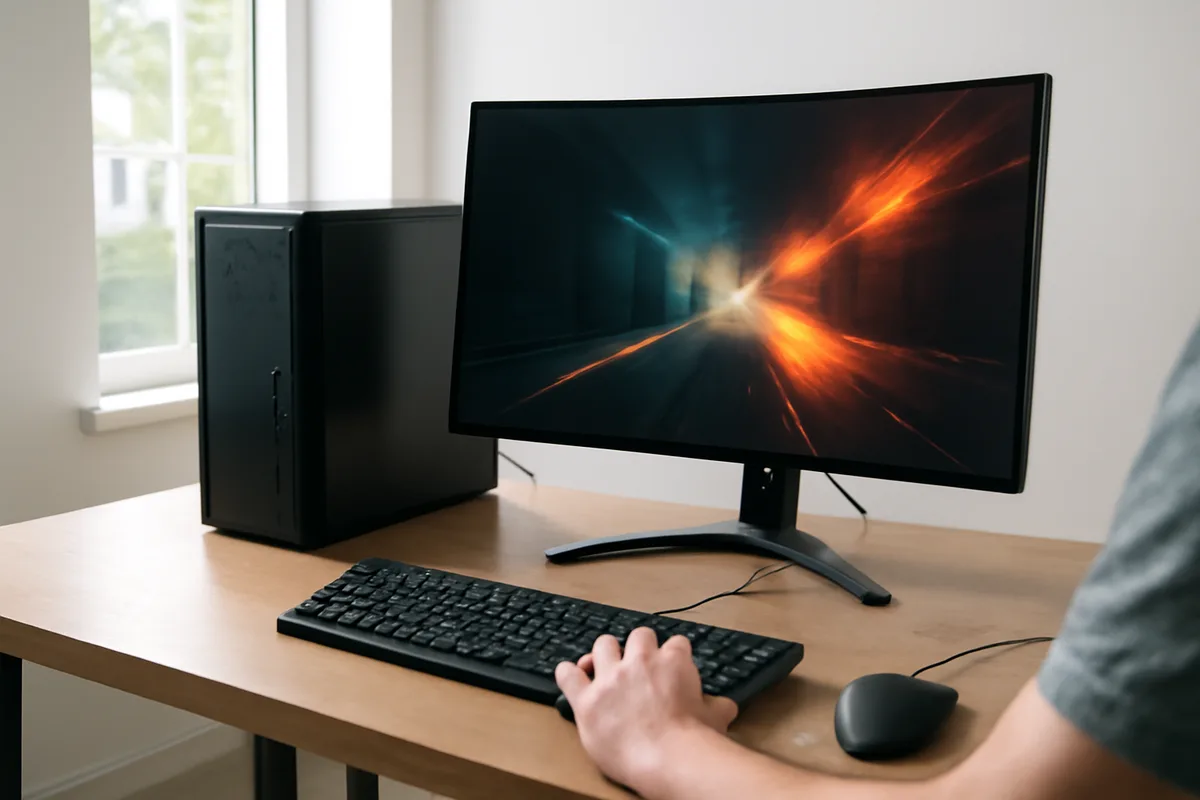
My test system was powered by an AMD Ryzen 7 9700X, an Nvidia GeForce RTX 5070 and 32GB of RAM. That configuration allowed steady 4K play with frame generation enabled, often hovering near 140 fps on high settings.

For context: consoles deliver a consistent experience, but they don’t offer the same headroom for toggling ray-tracing detail, custom shadow resolution or advanced upscaling modes. On PC you can tune those settings to favor image quality or frame rate depending on your display and priorities.
Minimum vs. recommended — what you need
Remedy’s updated requirements are friendly to older hardware: you don’t need the newest flagship card to run the game, though ample storage is mandatory. Below is a compact breakdown of the specs I tested with and the official minimum and recommended configurations.
| Component | Tested system | Minimum | Recommended |
|---|---|---|---|
| CPU | AMD Ryzen 7 9700X | Intel i5-8500 / AMD Ryzen 5 3500 | Intel Core i7-10700 / AMD Ryzen 7 3700X |
| GPU | Nvidia GeForce RTX 5070 | GeForce GTX 1070 / Radeon RX 5600 XT / Intel Arc A580 | GeForce RTX 3060 Ti / Radeon RX 6700 XT / Intel Arc B580 |
| RAM | 32 GB | 16 GB | 16 GB |
| Storage | 120 GB | 120 GB | 120 GB |
Key PC features worth toggling
- DLSS 4.5 Dynamic Frame Generation — boosts frame rates by generating frames using AI while preserving sharpness.
- Ray Tracing (direct and indirect) — significantly improves reflections, shadows and how light bounces through interiors and city streets.
- DLSS Ray Reconstruction — refines lighting detail and helps deliver higher-quality indirect illumination without as much performance cost.
- Granular controls — from shadow resolution to volumetric spotlight quality, the game exposes many toggles so players can dial visuals to their system.
Those systems-level options are not just cosmetic. They determine whether you prioritise higher refresh rates for competitive smoothness or richer lighting and texture detail for atmosphere.

What the visuals feel like
The title pairs dense, often chaotic combat with carefully composed set pieces. Sparks and particulates react believably to forces, and lighting often sells the sense that these spaces are both mundane and uncanny. In practical terms, toggling ray-traced indirect light plus DLSS Ray Reconstruction noticeably lifts the scene realism without bleeding too much frame rate — especially on modern Nvidia cards.
On hand-held or lower-powered machines Remedy provides a specific “Handheld” preset so performance is practical without requiring manual experimentation — a useful concession for, say, gaming laptop owners or portable PC devices.
Optimization and launch readiness
Control Resonant stands out as a well-optimized PC port. It launches with a broad array of presets and individual settings, and the final code includes the upscaling and ray-tracing improvements that were still in progress in earlier previews.
That careful tuning means fewer immediate updates required to fix major performance regressions — not always a given when big AAA games arrive on PC. Still, Remedy plans further platform support (including macOS), so performance on other ecosystems will be worth watching as those versions roll out.
Bottom line: if you own a gaming PC — desktop, laptop or capable handheld — this release delivers the best range of graphical fidelity and tuning. Players who value crisp ray-traced lighting and variable frame-rate options will find the PC edition particularly compelling.
For a deeper evaluation of gameplay and systems, see our full review of Control Resonant.

Annabelle Ink is a gaming journalist and lifelong gamer who lives and breathes video game culture. From console releases to esports tournaments, this dedicated journalist brings insider knowledge and genuine enthusiasm to every review and feature. Her expertise spans multiple gaming platforms, helping readers discover their next favorite game while staying connected to the pulse of the gaming industry.