
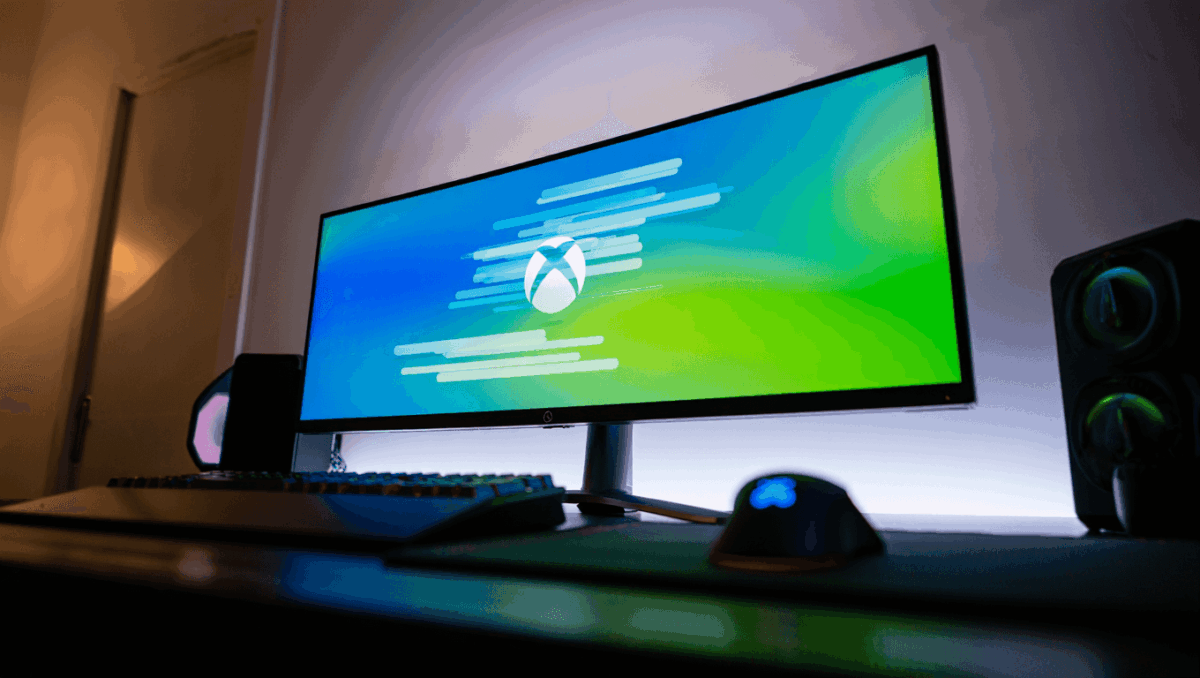
Microsoft just unleashed a stunning redesign of Xbox Cloud Gaming that makes browser gaming feel like console play. Players can now access the new dashboard in public preview, featuring console-like animations and a completely refreshed interface launched January 26, 2026. Get instant access by enabling preview features at xbox.com/play.
🔥 Quick Facts
- Launch Date: January 26, 2026 in public preview for all players
- Access Method: Visit xbox.com/play and enable the Preview Features toggle
- Key Feature: Sliding dashboard with animated Xbox icon that lights up and changes shape
- Resolution Support: Up to 1440p resolution for Xbox Game Pass Ultimate members
A Console Experience Comes to Your Browser
Gears of War: E-Day delivers explosive over-the-top action for Xbox owners
Gears of War: E-Day on PC gets Nvidia RTX Mega Geometry and stunning visual upgrade
Xbox Cloud Gaming’s redesigned web dashboard transforms how players interact with cloud gaming on PC, Mac, tablets, and smart TVs. The new interface mirrors the familiar layout of Xbox console dashboards, creating seamless continuity across all Microsoft gaming devices. Player feedback consistently requested a more unified visual experience, and Microsoft finally delivered.
The updated navigation system guides players faster to their games. A refreshed library section prominently displays owned titles and Game Pass offerings in one convenient location. The entire experience feels more polished and responsive than the previous browser version.
Stunning Animations That Set a New Standard
Wordle Oct. 3 answer could wipe out streaks: how one tough word is tripping players
Nintendo 135th anniversary deals: big discounts on Switch 2 games and Lego sets
Smooth, fluid animations elevate every interaction on the new platform. The sliding dashboard interface glides into view with cinematic polish. An animated Xbox icon now lights up and morphs shape, adding character to the experience. These touches might seem minor, but they fundamentally change player perception of cloud gaming quality.
According to reports, the enhanced animations hint at future directions for all Xbox interfaces. Microsoft appears to be testing how console-style visuals perform on web browsers. The team focused on removing latency in button presses and menu transitions, making everything feel instant and responsive.
Dashboard Features and Specifications
The new interface includes several gameplay improvements alongside its visual overhaul. Here is what Xbox Cloud Gaming players can expect from this update:
| Feature | Details |
| Access Point | xbox.com/play with Preview Features enabled |
| Max Resolution | 1440p at 60 FPS for Game Pass Ultimate |
| Browser Support | Edge, Chrome, Safari on supported devices |
| Library Section | New dedicated area for Game Pass and owned games |
Players reported activation takes up to 10 minutes after enabling preview features. Some users found logging out and back in speeds up the process substantially.
“Players who opt in to this preview will see some changes to their experience including updated navigation features and a refreshed look and feel.”
— Xbox News, Official Microsoft Gaming Blog
What This Means for Cloud Gaming’s Future
This redesign signals Microsoft’s commitment to cloud gaming as a major platform pillar. The console-like design suggests future Xbox interfaces may follow similar animation and layout patterns. Industry experts believe this dashboard preview could hint at upcoming changes to the actual Xbox Series X/S home screens.
Game developers have also noticed the improvements, as smoother interfaces often indicate backend optimization. Better animation performance typically means lower latency streaming and faster game load times. The entire cloud gaming experience should feel more professional and instantaneous.
How Does This Transform Your Cloud Gaming Session Today?
The real question players ask: will this new dashboard actually improve daily gameplay? Absolutely, though mostly through polish and convenience. Faster navigation means less time browsing, more time playing. The dedicated library section solves real clutter issues that frustrated users before.
Performance gains appear substantial on lower-bandwidth connections too. The streamlined interface requires less data transmission between browser and Microsoft servers. Players with spotty internet connections might notice markedly smoother experiences during peak hours. The 1440p streaming option guarantees ultra-sharp visuals for those with speedy connections.
Sources
- Xbox News – Official Xbox Cloud Gaming web experience preview announcement
- The Verge – Detailed analysis of new animations and console design influence
- Windows Central – Hands-on review and feature breakdown of redesigned dashboard

Annabelle Ink is a gaming journalist and lifelong gamer who lives and breathes video game culture. From console releases to esports tournaments, this dedicated journalist brings insider knowledge and genuine enthusiasm to every review and feature. Her expertise spans multiple gaming platforms, helping readers discover their next favorite game while staying connected to the pulse of the gaming industry.