
AMD FSR 4 delivers no real fps gains on ROG Ally X20 and Strix Halo: it’s a visual mirage
Nintendo Switch deals start now: huge discounts on consoles, games and accessories
Starting Nov. 10, owners who pre-ordered Grand Theft Auto VI can begin pre-loading the game ahead of its Nov. 19 release — but be warned: the download requires roughly 212 GB of free space. That size, plus platform-specific features and streaming limitations, means now is the time to prepare your console if you want a smooth first night of play.
Pre-orders unlock immediate preloads; PlayStation customers who bought a physical code-in-box can also begin installing as soon as they receive the package. Below are the practical steps and platform notes you need to know before you hit “download.”
Quick checklist before you preload
Modern Warfare 4 revives CoD’s modern shooter fun: ideal for fans who skipped recent games
PS5 games 2026: top picks you need to play
Make the process painless by handling these basics first. You don’t need advanced technical skills — just a few minutes of setup.

- Free up at least 250 GB — the game’s 212 GB footprint means you should clear extra space for updates, save files and system overhead. Remove or archive large titles you no longer play.
- Update system software — install the latest PS5 or Xbox updates so the console can handle preloads and day-one patches without interruption.
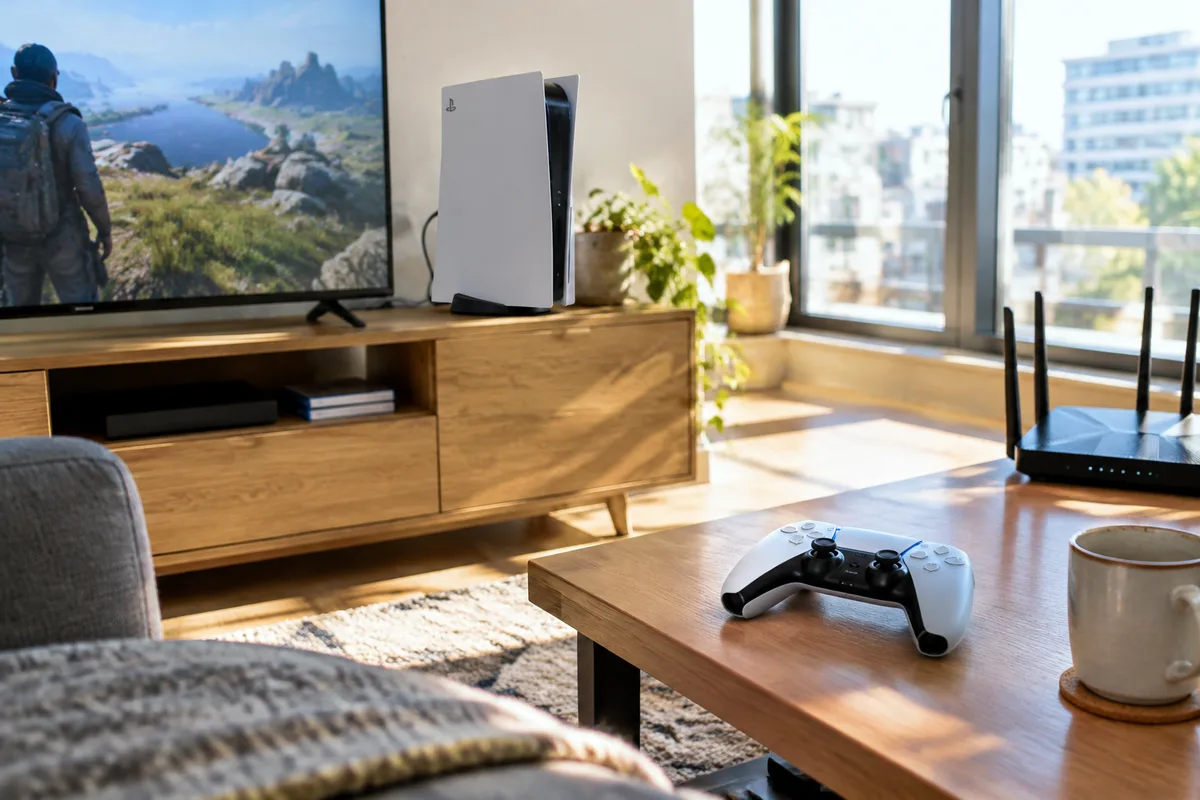
- Stabilize your network — use a wired Ethernet connection if possible. If you rely on Wi‑Fi, move the console closer to the router or use 5 GHz to avoid slowdowns during download and verification.
- Manage storage strategy — on PS5, you can move older PS5 titles to extended USB storage to free internal SSD space (they won’t run from most USB drives but can be stored there). On Xbox, consider an external SSD for faster restores and transfer.
- Charge accessories and adjust settings — top up controllers and review accessibility or DualSense haptic settings so your first session is ready to go.
What’s different on PlayStation
Sony has positioned GTA VI as a marquee PS5 experience, especially on the PS5 Pro. Rockstar and Sony point to features like PlayStation Spectral Super Resolution (PSSR) and enhanced ray-traced shadows on the Pro model, and broader use of the DualSense controller’s integrated speakers, adaptive triggers and haptic feedback across the game.

Sony also highlights improvements in spatial sound via Tempest 3D Audio and faster load times tied to the PS5’s high-speed SSD. Those claims make the console appealing for players prioritizing visual fidelity and immersion, though independent testing will be needed to quantify the actual difference on Pro hardware.
What Xbox players should expect
Xbox users can stream GTA VI through Xbox Cloud Gaming, but Rockstar notes streamed sessions will default to graphics comparable to the Series S. That means visual compromises relative to local Series X or PS5 Pro play, and performance will hinge on your internet connection. Both PlayStation and Xbox support remote play, so devices like the Portal can be used to stream the game remotely.
If you plan to stream, run a quick speed test: reliable cloud play usually needs a high and steady upload/download rate and low latency. Where possible, prefer a wired connection to reduce hiccups during gameplay.
Availability and hardware realities
For players hoping to run GTA VI on the PS5 Pro specifically, hardware scarcity remains an issue. Stock at official retailers and the PlayStation Store is limited, and resale prices on secondary markets are significantly above launch MSRP. If you’re considering buying a Pro purely for GTA VI, weigh the premium and the current availability before making that leap.
Sony’s platform advantages may matter to those who prioritize the sharpest visuals and controller-integrated features, but Xbox’s cloud options and cross-platform remote play keep the game accessible to many more players without next-gen upgrades.
Five practical prep steps — expanded
- Clear and organize storage: uninstall or archive large titles, back up save files to cloud storage, and aim for spare capacity beyond the 212 GB requirement to accommodate day-one patches.
- Install firmware and check game updates: run the latest console update and verify that your pre-order appears correctly in your account so the preload can begin without delay.
- Optimize your network: switch to Ethernet or a 5 GHz Wi‑Fi band, pause other heavy downloads or streaming during the preload, and consider scheduling the download overnight if bandwidth is limited.
- Prepare external storage (if relevant): on PS5, move older PS5 games to an external drive for safekeeping; on Xbox, use a compatible external SSD for faster transfers and storage management.
- Review accessibility and audio/controller settings: check DualSense preferences, spatial audio options and any accessibility toggles so the game launches with your preferred configuration.
Following these steps should reduce delays and frustration on launch day. Even after preloading, expect Rockstar to roll out day-one patches, so leave some time for final updates and verification before jumping into Los Santos — or wherever GTA VI takes you this time around.
In short: if you pre-ordered, start the preload now; if not, pre-ordering today still allows early download access. With a 212 GB install and platform-specific differences in visuals and streaming, preparing your console and network ahead of Nov. 19 will make the opening hours far more enjoyable.

Annabelle Ink is a gaming journalist and lifelong gamer who lives and breathes video game culture. From console releases to esports tournaments, this dedicated journalist brings insider knowledge and genuine enthusiasm to every review and feature. Her expertise spans multiple gaming platforms, helping readers discover their next favorite game while staying connected to the pulse of the gaming industry.